
Whether you're popping in for a project or joining our creative community, this is the spot to book with That's Sew Austin.

On this page you will find both our Quick Booking Portal which gives you a description of the booking categories as well as a Full Booking Portal at the bottom of the page.
For the best booking experience, please log in or create a booking account using the button in the top right of any portal. This allows you to track your classes, manage your membership, and keep everything in one easy place.

Quick Booking Portal

Full Booking Portal

This window shows every class, studio session, and special event we offer, all in one place. To get the very best booking experience, be sure to create or sign in to your booking account using the button in the top right of the portal.

Your membership and your booking account are separate, which means having a membership does not automatically create a booking login. If you’ve never signed into the portal before, you don’t have an account yet, so you’ll want to take a moment to create one.

Creating an account is the smartest way to keep your schedule organized. It lets you easily track your upcoming sessions, view past bookings, and manage your membership without any extra steps. It keeps everything tidy, accessible, and all in one place for a seamless experience at That’s Sew Austin.

A mobile screen displaying an online ordering form for a private sewing class, including fields for custom amount, a coupon code, and a pay button, with instructions to input a code in red text.

How to Book with That’s Sew Austin in our App.

  1. Download the App
    First things first—grab the Acuity Scheduling Client App on your phone. You’ll find it in both the App Store and Google Play. This is where you’ll view availability, book sessions, and manage your appointments.

  2. Create Your Account
    Sign up using the same email you used to purchase your membership, class, or service. This keeps everything synced and running smoothly.

  3. Browse and Book
    Open the app to see available classes, studio time, or events. Choose what works for your schedule and follow the prompts to book your spot.

  4. Enter Any Codes
    If you have a membership or discount code, you’ll enter it during checkout. The app will automatically apply any available benefits.

  5. Manage It All in One Place
    Use the app to reschedule, cancel, or view upcoming bookings. Your perks, history, and remaining credits (if any) are all stored in one easy-to-navigate space.

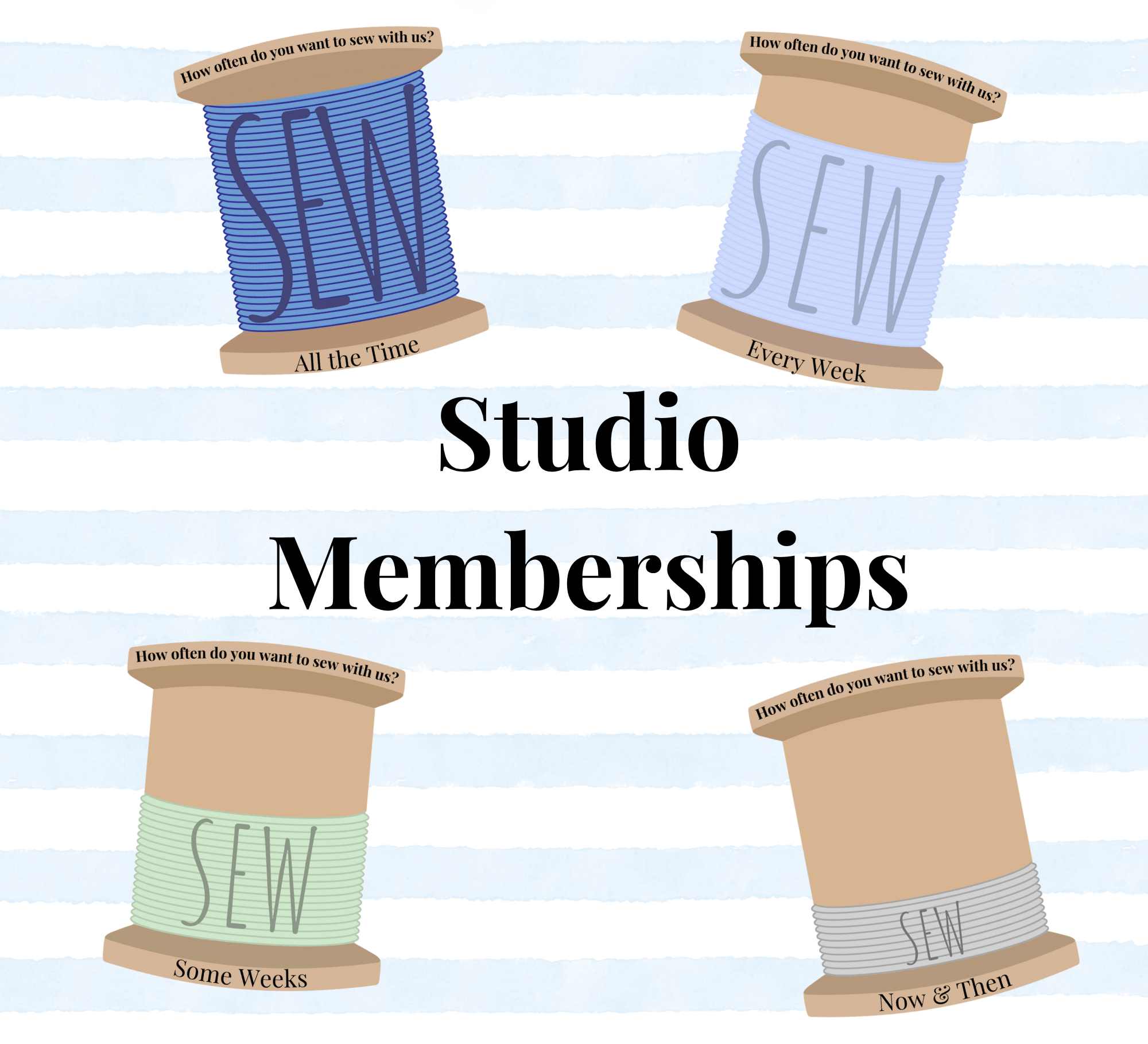
Four spools of thread labeled with sewing frequency phrases surrounding text that reads "Studio Memberships" on a striped background.

Studio Memberships

Join Your New Sew-cial Club House
Our memberships are perfect for sewists who want more than just one class—they want a community and new way build long lasting skills. Select your membership tier and unlock exclusive perks including varying amounts of Studio Time Blocks.

If you have questions about anything, and we do mean anything at all, please book a FREE Consultation with us. We would love to chat with you!